
Is your IGET vape not producing vapour, even though it was working normally before?
This is a common troubleshooting question among users of draw-activated vaping devices. Whether you're looking into an IGET BAR, IGET ONE 12000 or IGET BAR PRO, the underlying problem may involve the battery, airflow sensor, heating element or internal electronics.
I've broken down seven possible causes, along with the symptoms that can help distinguish them.
1. Battery Failure or Power Problems
A depleted or faulty battery is one possible reason an IGET device stops producing vapour.
The battery supplies electricity to the heating element. If power delivery fails, the device cannot generate aerosol.
Common signs:
No response during activation.
Indicator lights stop working.
Intermittent operation.
Device suddenly stops functioning.
Battery depletion and electronic faults can produce similar symptoms.
Important: The IGET ONE 12000 is described in the product information supplied for this article as non-rechargeable. Do not attempt to charge a device unless its verified manufacturer instructions explicitly confirm that it supports charging.
2. Blocked Airflow
Many IGET devices use draw-activated sensors that respond to changes in air pressure.
If the airflow pathway becomes obstructed, the sensor may not receive the expected pressure signal.
Potential causes include dust, lint, condensation, internal liquid accumulation or manufacturing defects.
Typical symptoms: Unusually tight airflow, inconsistent activation or a device that appears unresponsive.
A blocked airflow channel is different from a failed heating element. Both can affect vapour production, but they involve different components.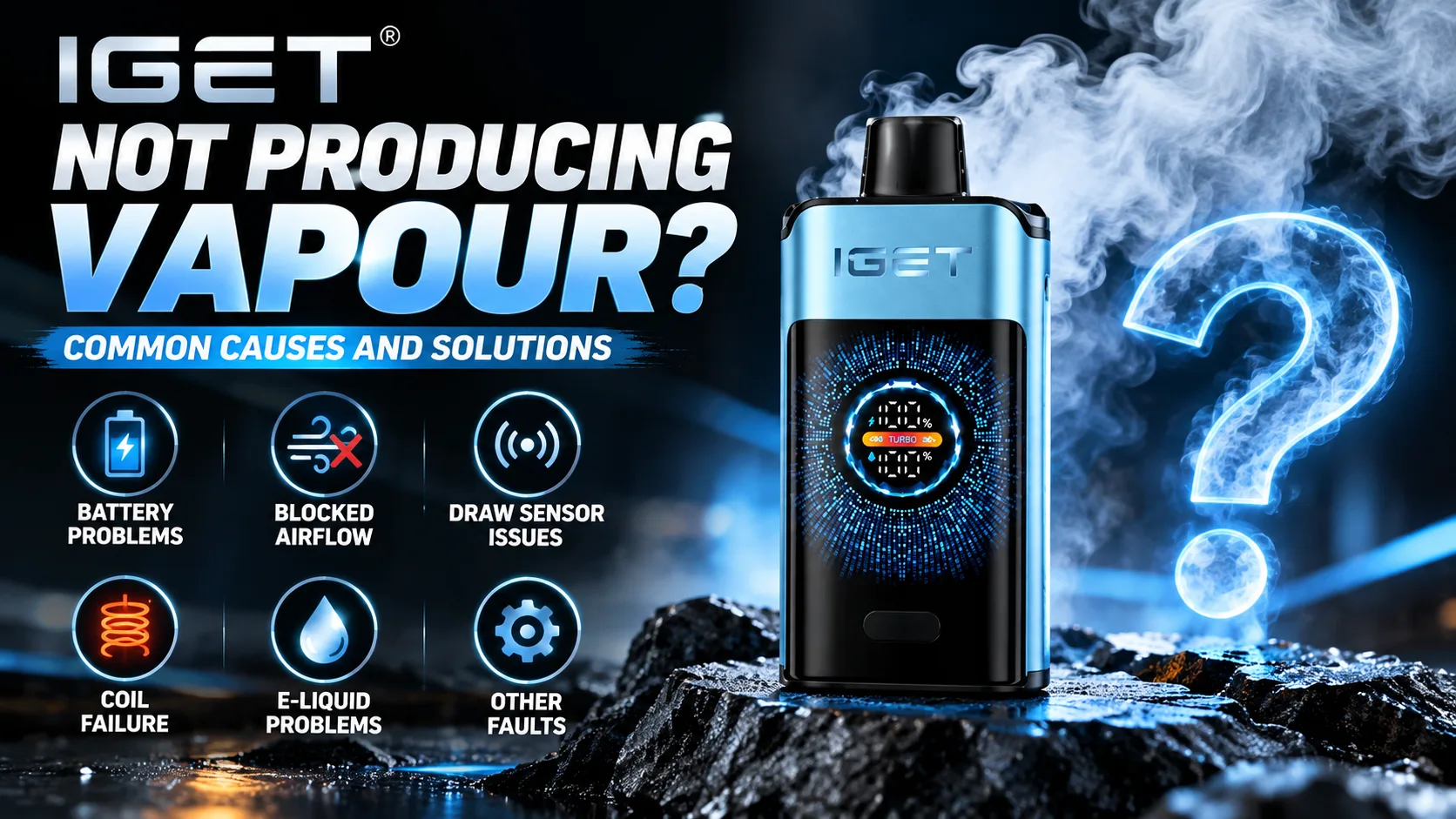
3. Draw Sensor Not Working
If your IGET has normal airflow but produces no vapour, the draw sensor may be involved.
The sensor detects a pressure change and sends a signal to the electronic control circuit.
Sensor faults can result from moisture intrusion, damaged connections, component failure or electronic malfunction.
A useful distinction: Air passing through the device does not prove that its electronic activation system is working.
Avoid opening the housing or attempting to access the sensor. Internal repairs can damage the battery and other components.
4. Coil or Heating Element Failure
The heating element converts electrical energy into heat, allowing liquid to form an aerosol.
If the heating element fails, the device may stop producing vapour even when other components appear functional.
Possible causes include a damaged coil, broken electrical connection or manufacturing defect.
Common signs:
Normal airflow but no vapour.
Sudden loss of operation.
Previous burnt or unusual smells.
Intermittent aerosol production.
A burning smell or excessive heat is a reason to stop using the device immediately.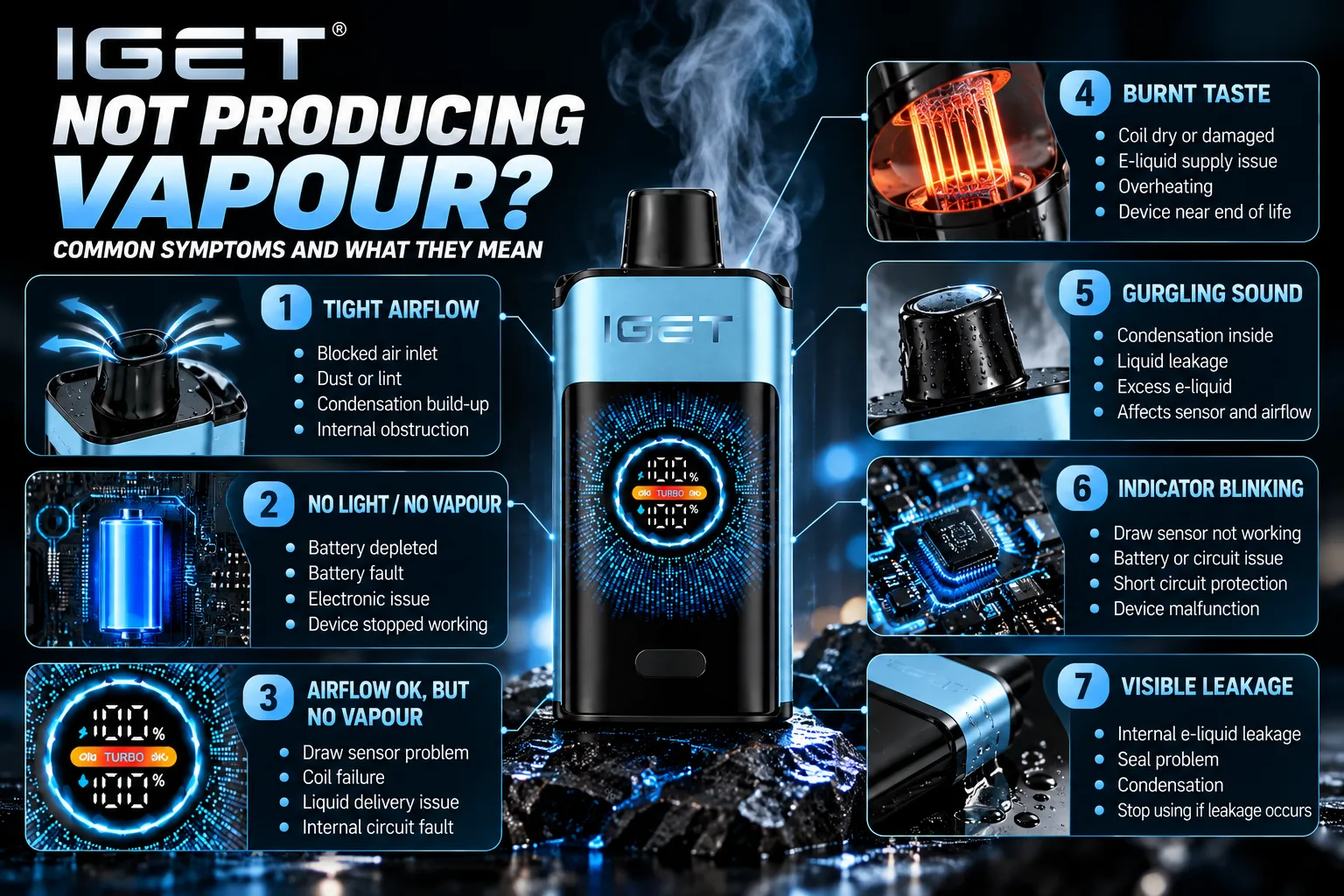
5. E-Liquid Depletion or Delivery Problems
Another possible explanation is that the heating element is no longer receiving sufficient liquid.
This can happen when the liquid supply is depleted or when an internal wicking or liquid-delivery component malfunctions.
A device may also show reduced vapour production before it stops operating.
However, weak vapour alone cannot confirm that the liquid is empty. Battery and heating-element faults may produce similar symptoms.
Do not attempt to refill or modify a sealed disposable device.
6. Condensation or Internal Leakage
Condensation can form when warm aerosol encounters cooler internal surfaces.
Small amounts of moisture may accumulate inside the airflow pathway, while more serious leakage can interfere with sensors or electronics.
Possible warning signs include:
Gurgling noises.
Visible liquid around the mouthpiece.
Intermittent activation.
Unusual moisture around housing seams.
If liquid is leaking, discontinue use. Do not insert tools, apply heat or blow compressed air into the device.
7. Internal Circuit Board Malfunction
IGET devices contain electronic circuitry that coordinates power delivery, sensor input and heating-element activation.
If the printed circuit board (PCB) develops a fault, the device may fail even when the airflow channel is clear.
Potential causes include moisture damage, physical impact, defective electronic components or internal connection failure.
These faults generally cannot be confirmed through a simple external inspection.
IGET Vape Not Producing Vapour: Quick Diagnosis Table
Symptom
Possible cause
No light and no vapour
Battery or electronic fault
Airflow normal, no vapour
Draw sensor, coil or PCB fault
Very tight airflow
Blocked inlet or internal passage
Gurgling sound
Condensation or liquid accumulation
Weak vapour before failure
Liquid-delivery or power problem
Visible leakage
Seal or reservoir fault
Excessive heat or burning smell
Potential battery or electrical hazard
These are possible explanations, not confirmed diagnoses.
What Should You Do If Your IGET Stops Working?
For a malfunctioning device, I recommend focusing on a few basic safety checks rather than trying to force it to work.
Inspect the exterior: Look for visible cracks, leakage, swelling or obvious debris around external openings.
Check for warning signs: Unusual heat, smoke, hissing or a burning smell can indicate a dangerous fault.
Avoid DIY repairs: Do not open, puncture, rewire, recharge an unsupported device or modify its internal components.
Contact appropriate support: If the device is defective, seek guidance from the manufacturer or a qualified professional.
If the battery appears damaged or swollen, do not place the device in ordinary household rubbish. Follow local battery and e-waste disposal guidance.